
Preview
About
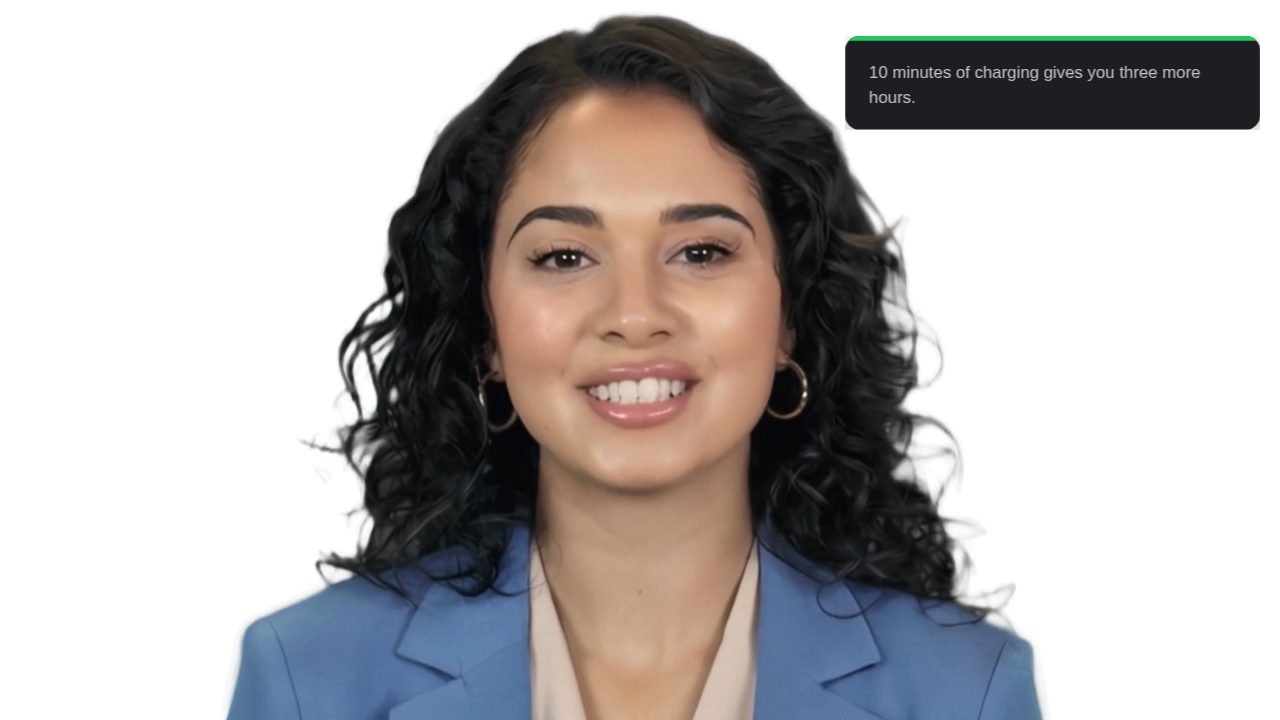
A box that points out one fact: an icon, a title and a short message, with a coloured accent bar.
- Four styles: info, success, warning and error.
- An optional button. A tap on it sends the
clickedevent, which a rule or the host page can act on. - The icon, the texts and the colours are settings.
Settings
What a creator can set in the Studio, and what a host can set in its overrides.
Content
| Setting | Type | Default | What it does |
|---|---|---|---|
Iconicon | Text | 💡 | An emoji shown at the left of the message. Leave empty for no icon. |
Messagetext | Text | Here's something important you should know about this feature. | The main message of the callout. |
Titletitle | Text | Pro Tip | The bold line above the message. Leave empty to show no title. |
Button TextbuttonText | Text | Learn More | The words on the button, shown only when Show Button is on. |
Show ButtonshowButton | On or off | Off | Shows a button under the message; tapping it sends the Button Clicked event. |
Style
| Setting | Type | Default | What it does |
|---|---|---|---|
Stylevariant | One of | info | Info, success, warning or error: sets the color of the top bar and the button (blue, green, amber or red). |
Colors
| Setting | Type | Default | What it does |
|---|---|---|---|
Title ColortextColor | Colour | #ffffff | Color of the title line. |
Accent ColoraccentColor | Colour | #3b82f6 | Meant for the top bar and the button, but each style sets its own color for both, so this has no visible effect. |
Text ColorsubtextColor | Colour | rgba(255,255,255,0.75) | Color of the message text. |
BackgroundbackgroundColor | Colour | rgba(17,17,22,0.95) | Color of the callout's panel, drawn over a blur of the video behind it. |
Events and actions
Events you can react to
| Event | When it is sent | Data |
|---|---|---|
Button Clickedplugin:mp4e:callout:clicked | Emitted when user clicks the button |
|
What it can reach
This plugin asks for nothing: no network, no reading of the video's analysis, no say over what plays.
Versions
- v1.0.1November 27, 2026
What changed
Archived before v1.0.2.
- v1.0.2November 27, 2026Current
What changed
1.0.2: every setting has help text.
- v2.0.9January 9, 2026
What changed
Archived version
- v1.0.0December 18, 2025
What changed
Archived version