
Preview
About
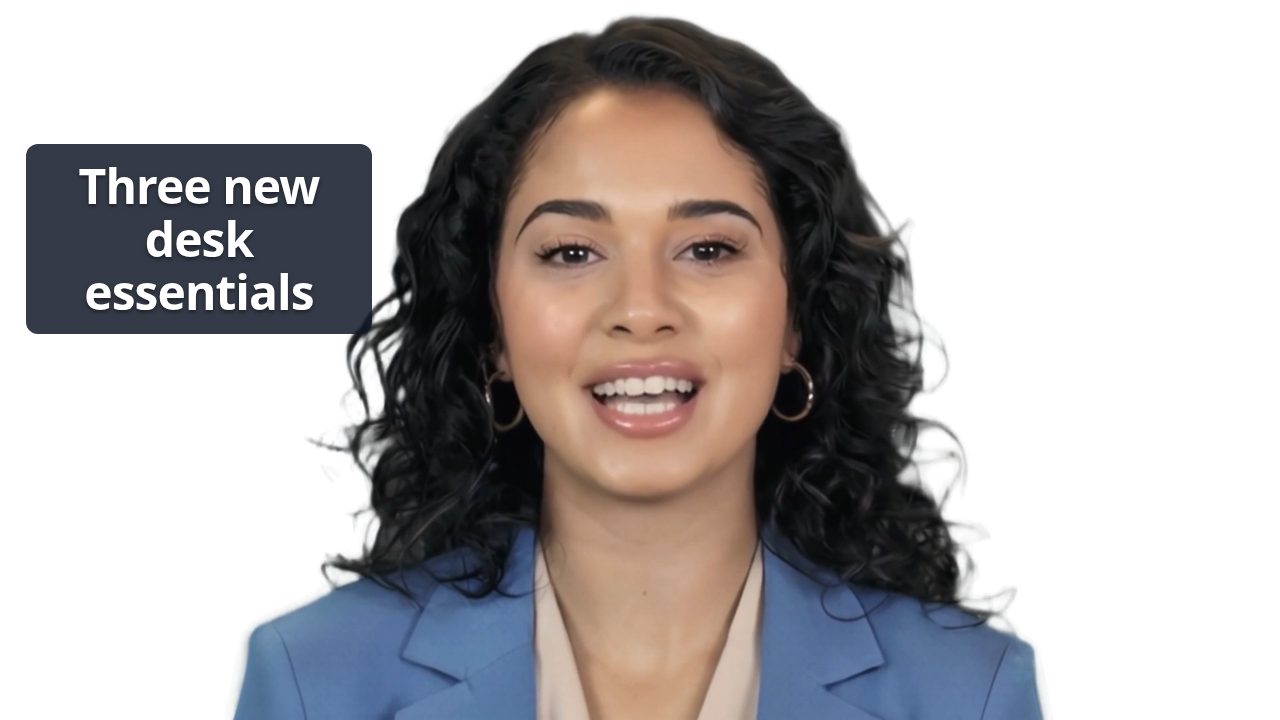
A large headline with an optional subtitle, for a title, an announcement or a key moment.
- Five entrance animations.
- The font, its weight and size, the alignment and the colours are settings, with a text shadow and a blurred backdrop if you want them.
- A tap sends the
clickedevent.
Settings
What a creator can set in the Studio, and what a host can set in its overrides.
Content
| Setting | Type | Default | What it does |
|---|---|---|---|
Headingtext | Text | Big Bold Headline | The headline text. |
Subtitlesubtitle | Text | - | A smaller line under the headline. Leave empty to show none. |
Typography
| Setting | Type | Default | What it does |
|---|---|---|---|
SizefontSize | Number, 24 to 200 | 48 | Size of the headline, 24 to 200 pixels on a 1920-wide video. The subtitle is 40% of this size. |
AlignmenttextAlign | One of | center | Lines up the headline and subtitle to the left, center or right. |
FontfontFamily | One of | system-ui, -apple-system, sans-serif | Typeface of the headline and subtitle. The named fonts show only where the viewer's device has them; else a default font. |
WeightfontWeight | One of | 700 | How heavy the headline letters are, from 600 (semi-bold) to 900 (black). |
Spacing
| Setting | Type | Default | What it does |
|---|---|---|---|
Horizontal PaddingpaddingX | Number, 0 to 100 | 24 | Space left and right of the text inside the background, 0 to 100 pixels on a 1920-wide video. |
Vertical PaddingpaddingY | Number, 0 to 100 | 16 | Space above and below the text inside the background, 0 to 100 pixels on a 1920-wide video. |
RoundnessborderRadius | Number, 0 to 50 | 0 | How round the background's corners are, 0 (square) to 50 pixels on a 1920-wide video. |
Animation
| Setting | Type | Default | What it does |
|---|---|---|---|
Animationanimation | One of | slideUp | How the heading appears: no animation, fade in, slide up, scale in, or letters drawing together (split in). |
Colors
| Setting | Type | Default | What it does |
|---|---|---|---|
Text ColortextColor | Colour | #ffffff | Color of the headline. |
Subtitle ColorsubtitleColor | Colour | rgba(255,255,255,0.7) | Color of the subtitle line. |
BackgroundbackgroundColor | Colour | transparent | Color of the box behind the heading. Transparent shows no box. |
Effects
| Setting | Type | Default | What it does |
|---|---|---|---|
Text ShadowtextShadow | One of | 0 2px 4px rgba(0,0,0,0.5) | A shadow behind the headline letters: none, soft, strong, or a hard offset shadow. |
Backdrop BlurbackdropBlur | Number, 0 to 30 | 0 | Blurs the video behind the heading's box, 0 (none) to 30 pixels on a 1920-wide video. |
Events and actions
Events you can react to
| Event | When it is sent | Data |
|---|---|---|
Heading Clickedplugin:mp4e:heading:clicked | Emitted when user clicks the heading | - |
What it can reach
This plugin asks for nothing: no network, no reading of the video's analysis, no say over what plays.
Versions
- v1.0.1November 27, 2026
What changed
Archived before v1.0.2.
- v1.0.2November 27, 2026Current
What changed
1.0.2: every setting has help text.
- v2.0.9January 9, 2026
What changed
Archived version
- v1.0.0December 18, 2025
What changed
Archived version