
Preview
About
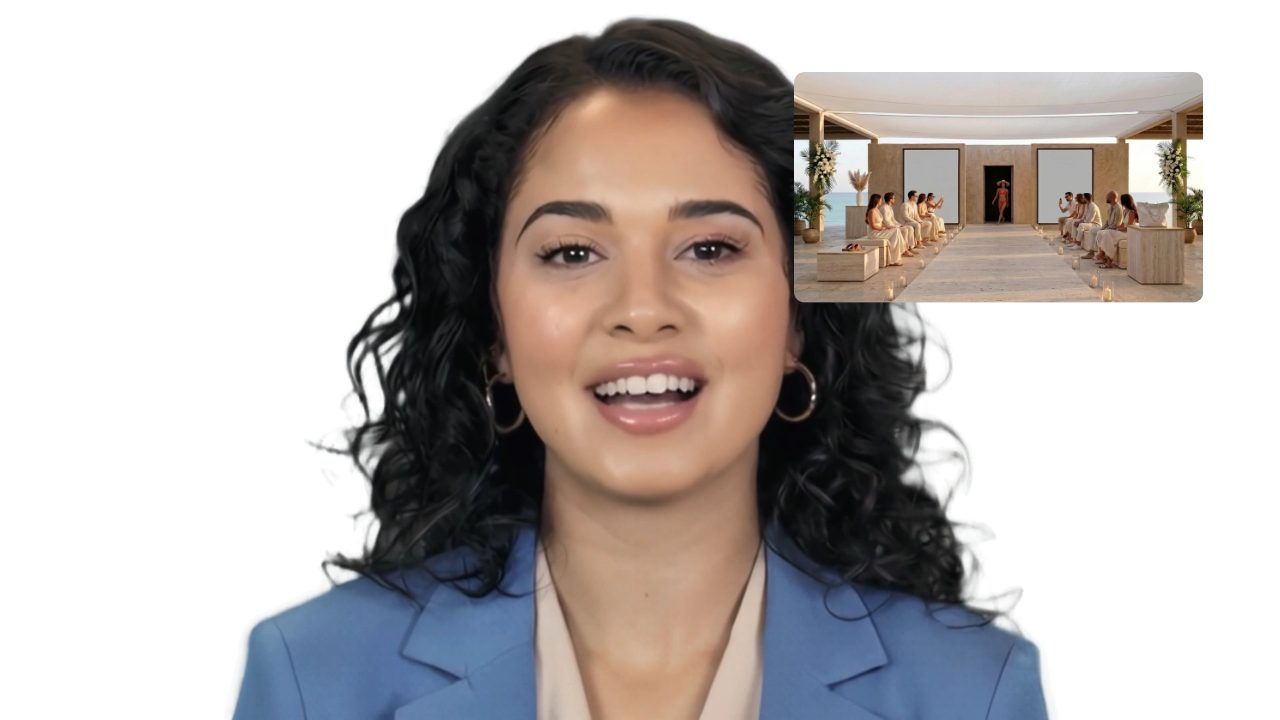
Puts a file on the video: a picture, a looping clip, an audio player or a document link.
- It picks how to show the file from its type, or you choose.
- A clip can loop silently in a rectangle, a rounded box or a circle, with or without its own controls.
- The file comes from the video's media library (
media://) or from a web address. - A click can download the file, or send an event (
clicked,playRequested,downloadRequested) for your own rules. The audio player sendsaudioStartedandaudioPaused.
Settings
What a creator can set in the Studio, and what a host can set in its overrides.
Content
| Setting | Type | Default | What it does |
|---|---|---|---|
Alt Textalt | Text | - | Accessibility text for images |
Fit Modefit | One of | contain | How the media should fit within its container |
Media Sourcesrc | Media | - | Media URL (media:// for embedded files, or external URL) |
Media TypemediaType | One of | auto | auto detects from source (embedded media included). 'video' plays inline; 'video-poster' shows a thumbnail with a play button. |
Video
| Setting | Type | Default | What it does |
|---|---|---|---|
Shapeshape | One of | None | Clip the video like the lens plugin. Circle is exact when the overlay is square. |
Video PosterposterSrc | Media | - | Thumbnail image for video (leave empty to use src) |
Loop VideovideoLoop | On or off | On | Starts a clip that plays in place again when it ends. |
Mute VideovideoMuted | On or off | On | Unmuted autoplay is blocked by browsers — keep muted for illustration clips |
Autoplay VideovideoAutoplay | On or off | On | Start playing as soon as it loads (muted autoplay is always allowed by browsers) |
Show Video ControlsvideoControls | On or off | Off | Shows the browser's play, seek and volume controls on a clip that plays in place. |
Behavior
| Setting | Type | Default | What it does |
|---|---|---|---|
Click ActiononClick | One of | none | What happens when the media is clicked |
Audio
| Setting | Type | Default | What it does |
|---|---|---|---|
Audio NameaudioName | Text | Audio | Display name for audio player |
Audio Text ColoraudioTextColor | Colour | #ffffff | Color of the audio name in the audio player. |
Player BackgroundaudioBackground | Colour | rgba(17,17,22,0.95) | Fill of the audio player bar. |
Play Button ColoraudioButtonColor | Colour | #3b82f6 | Fill of the round play and pause button. |
Audio Time ColoraudioSubtextColor | Colour | #888899 | Color of the playing time and length under the audio name. |
Play Button Icon ColoraudioButtonTextColor | Colour | #ffffff | Color of the play and pause icon on the round button. |
Styling
| Setting | Type | Default | What it does |
|---|---|---|---|
Border RadiusborderRadius | Number | 0 | Corner rounding in pixels |
Document
| Setting | Type | Default | What it does |
|---|---|---|---|
Document Text ColordocTextColor | Colour | #1f2937 | Color of the document's name on the document card. |
Document IcondocumentIcon | Text | 📄 | Emoji or icon for document type |
Document NamedocumentName | Text | Document | Display name for document |
Document BackgrounddocBackground | Colour | rgba(255,255,255,0.95) | Fill of the document card. |
Action TextdocumentAction | Text | Click to download | Text shown below document name |
Document Action ColordocSubtextColor | Colour | #3b82f6 | Color of the action text under the document's name. |
Events and actions
Events you can react to
| Event | When it is sent | Data |
|---|---|---|
Media Clickedplugin:mp4e:media-display:clicked | Emitted when media is clicked (when onClick is 'action') | - |
Audio Pausedplugin:mp4e:media-display:audioPaused | Emitted when audio playback is paused | - |
Audio Startedplugin:mp4e:media-display:audioStarted | Emitted when audio playback starts | - |
Play Requestedplugin:mp4e:media-display:playRequested | Emitted when video thumbnail play button is clicked | - |
Download Requestedplugin:mp4e:media-display:downloadRequested | Emitted when download is triggered | - |
What it can reach
This plugin asks for nothing: no network, no reading of the video's analysis, no say over what plays.
Versions
- v1.4.3November 28, 2026Current
What changed
1.4.3: the play button over a clip's poster covers the clip on older TVs too (Chromium 85 lacks the inset shorthand it used).
- v1.4.2November 27, 2026
What changed
1.4.2: every setting has help text.
- v1.4.1November 27, 2026
What changed
Archived before v1.4.2.
- v1.4.0August 17, 2026
What changed
Archived version
- v1.3.1August 17, 2026
What changed
Archived version
- v1.3.0August 15, 2026
What changed
Archived version
- v1.2.0August 14, 2026
What changed
Archived version
- v1.1.0August 13, 2026
What changed
Archived version
- v1.0.0August 11, 2026
What changed
Archived version