
Preview
About
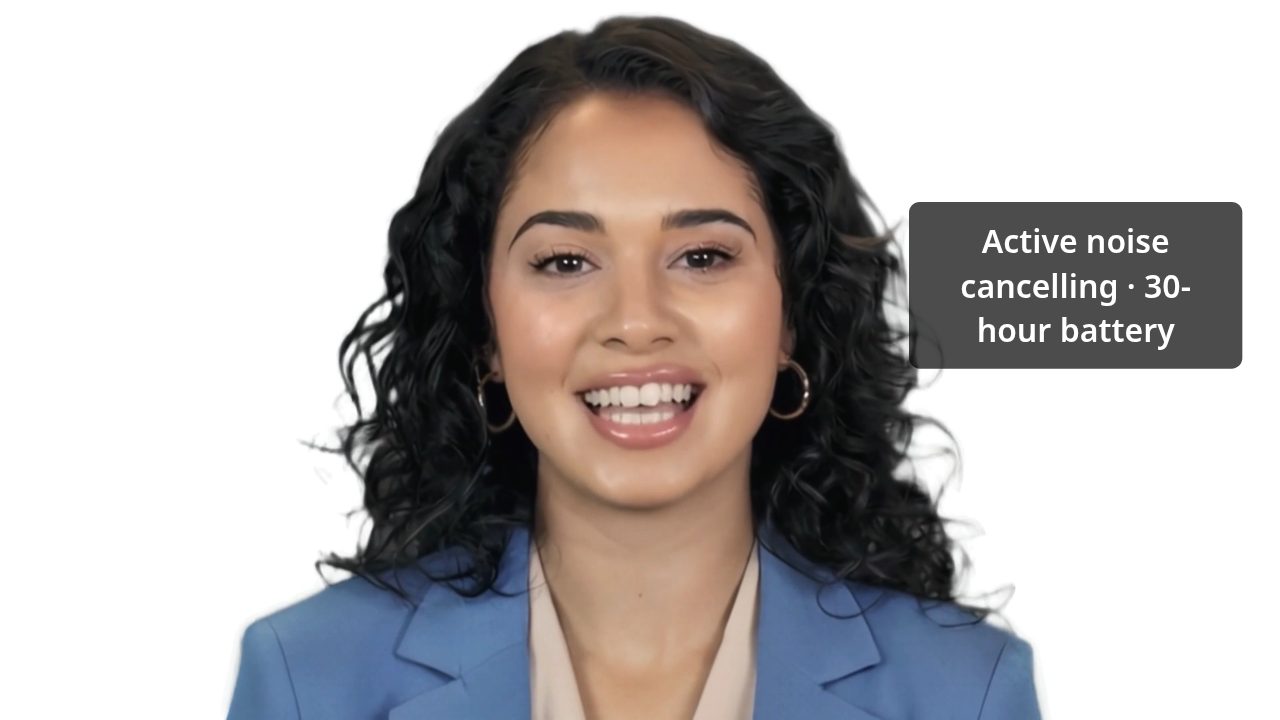
A line of text on the video, styled the way you set it.
- Eight entrance animations.
- The font, its size and weight, the alignment, the line height and the letter spacing.
- Colours, a border, a shadow and a glass look with a blurred backdrop.
- A tap sends the
clickedevent.
Settings
What a creator can set in the Studio, and what a host can set in its overrides.
Content
| Setting | Type | Default | What it does |
|---|---|---|---|
HTML Tagtag | One of | p | Semantic HTML tag |
Texttext | Text | Your text here | The text to display |
Typography
| Setting | Type | Default | What it does |
|---|---|---|---|
SizefontSize | Number, 8 to 200 | 24 | Text size, in pixels on a 1920-wide video. |
StylefontStyle | One of | normal | Upright or italic text. |
AlignmenttextAlign | One of | left | Where each line of text sits inside the box. |
FontfontFamily | One of | system-ui, -apple-system, sans-serif | The typeface. A face the viewer's device lacks falls back to a similar one. |
WeightfontWeight | One of | 500 | How heavy the text is, from light (300) to black (900). |
Line HeightlineHeight | Number, 0.8 to 3 | 1.4 | Space between lines, as a multiple of the text size. |
Letter SpacingletterSpacing | Number, -0.1 to 0.5 | 0 | Extra space between letters, as a share of the text size (0.1 = a tenth). |
TransformtextTransform | One of | none | Shows the text in capitals, lower case or with each word capitalized, whatever was typed. |
Spacing
| Setting | Type | Default | What it does |
|---|---|---|---|
Horizontal PaddingpaddingX | Number, 0 to 100 | 20 | Space between the text and the box's left and right edges, in pixels on a 1920-wide video. |
Vertical PaddingpaddingY | Number, 0 to 100 | 12 | Space between the text and the box's top and bottom edges, in pixels on a 1920-wide video. |
Border WidthborderWidth | Number, 0 to 10 | 0 | How thick the box's border is, in pixels on a 1920-wide video. 0 draws none. |
RoundnessborderRadius | Number, 0 to 50 | 8 | How rounded the box's corners are, in pixels on a 1920-wide video. |
Animation
| Setting | Type | Default | What it does |
|---|---|---|---|
Animationanimation | One of | none | How the box comes in when it appears. None shows it at once. |
Effects
| Setting | Type | Default | What it does |
|---|---|---|---|
Box ShadowboxShadow | One of | none | A shadow under the box, from none to deep. |
Text ShadowtextShadow | One of | none | A shadow or glow behind the letters, to keep them readable over busy footage. |
Backdrop BlurbackdropBlur | Number, 0 to 30 | 0 | Blur intensity for glassmorphism |
Colors
| Setting | Type | Default | What it does |
|---|---|---|---|
Text ColortextColor | Colour | #ffffff | The colour of the text. |
Border ColorborderColor | Colour | transparent | The colour of the box's border. Transparent hides it. |
BackgroundbackgroundColor | Colour | rgba(0,0,0,0.7) | The box's fill colour. Use a transparent colour for text with no box. |
Layout
| Setting | Type | Default | What it does |
|---|---|---|---|
Fill ModefillContainer | One of | Fit Content | Fill Overlay expands to match the overlay's width/height |
Events and actions
Events you can react to
| Event | When it is sent | Data |
|---|---|---|
Text Clickedplugin:mp4e:text:clicked | Emitted when user clicks the text | - |
What it can reach
This plugin asks for nothing: no network, no reading of the video's analysis, no say over what plays.
Versions
- v1.0.1November 27, 2026
What changed
Archived before v1.1.0.
- v1.1.0November 27, 2026Current
What changed
1.1.0: a new text box no longer starts with an animation its own settings refuse (it was "", now "None"); "None" no longer undoes Uppercase, Lowercase or Capitalize; every setting has help text.
- v2.0.9January 9, 2026
What changed
Archived version
- v1.0.0December 19, 2025
What changed
Archived version