
Preview
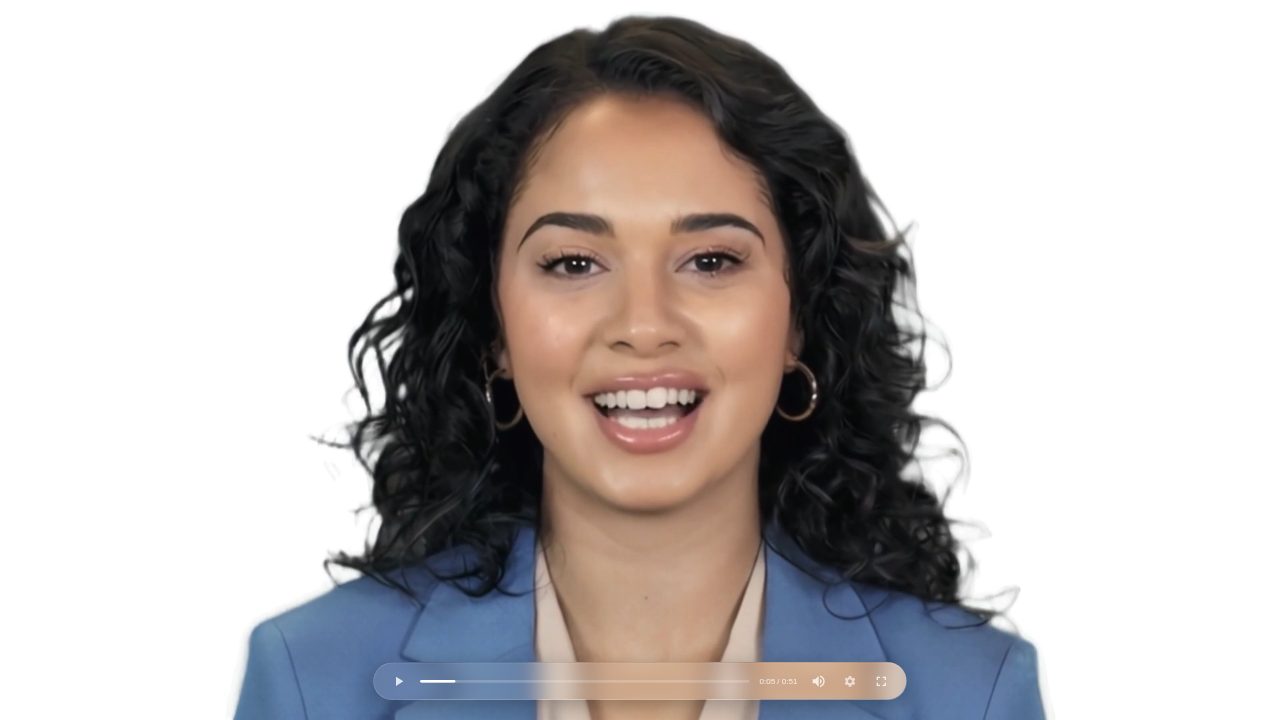
Move over the video to bring the controls back.
About
Ultra-sleek, glass-morphism controls that stay out of the way.
What it can reach
This plugin asks for nothing: no network, no reading of the video's analysis, no say over what plays.
Versions
- v1.4.2September 3, 2026Current
What changed
closeMenu() returns early when the menu is already shut, so the engine-driven dismissal after a plugin menu pick no longer echoes a second menuClosed.
- v1.4.1August 15, 2026
What changed
Restore latest content; self-heal play state from periodic playbackState (fixes stuck play/pause icon after controls reload)
- v1.4.0March 13, 2026
What changed
Archived version
- v1.3.0March 13, 2026
What changed
Archived version
- v1.2.0February 16, 2026
What changed
Archived version
- v1.1.1February 16, 2026
What changed
Archived version
- v1.1.0February 16, 2026
What changed
Archived version
- v1.0.1February 12, 2026
What changed
Archived version
- v1.0.0January 12, 2026
What changed
Archived version