
Preview
About
Displays part of the video that is already playing, cropped and shaped, anywhere on screen.
Unlike Picture in Picture Video, which plays a *different* file, Video Lens shows a region of the *current* video — so it stays perfectly in sync with no second download or decode.
Set the crop on the overlay's Video Region settings:
- Fixed rectangle — pick an area of the frame. Drive it from a sequence variable to follow camera cuts (e.g. a podcast that alternates between two speakers).
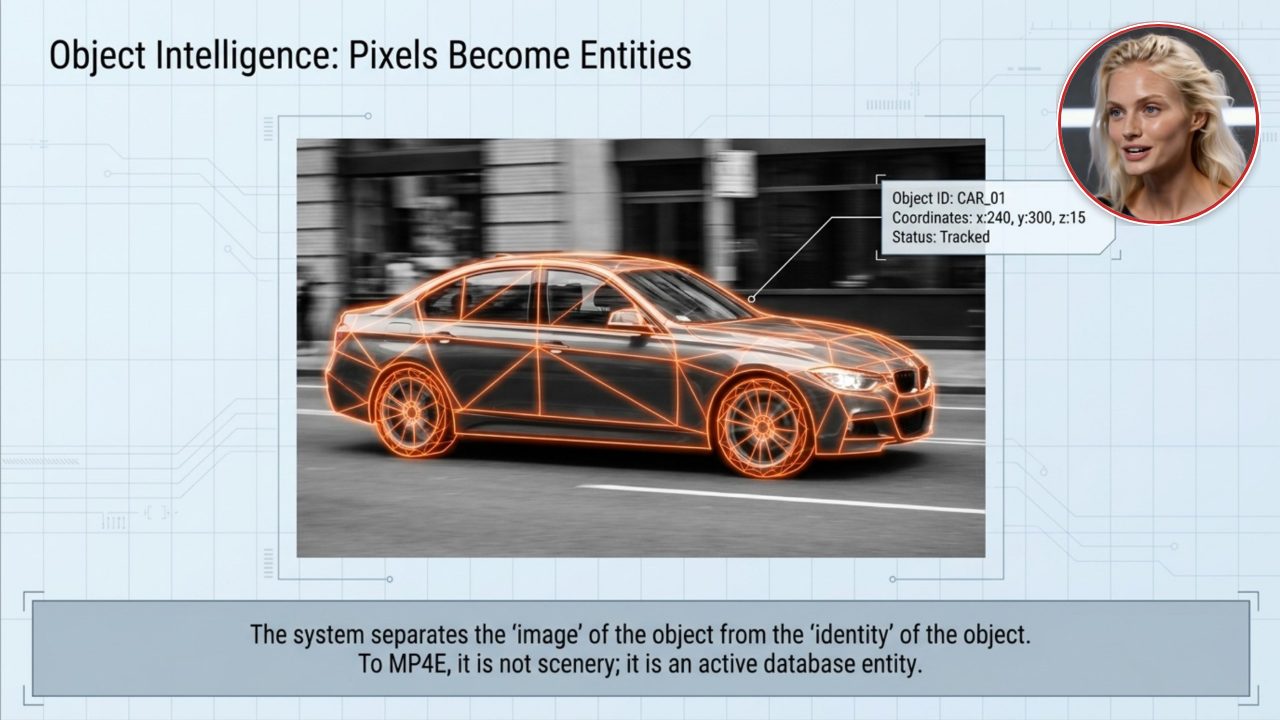
- Follow a tracked object — the crop tracks a detected face or product and hides itself on frames where that object isn't present.
Because the crop is a small source rect drawn into a larger box, shrinking the source is how you zoom — that alone turns this into a magnifier.
Shape, fit, opacity, feather, border and colour adjustments (brightness, contrast, saturate, blur, invert, grayscale) are all region settings, and every one of them accepts {{variables}}, so they can change at runtime from rules.
This plugin itself draws only the ring, the label and an optional close button, over a transparent background.
Settings
What a creator can set in the Studio, and what a host can set in its overrides.
Ring
| Setting | Type | Default | What it does |
|---|---|---|---|
Show RingshowRing | On or off | On | Draws a ring along the edge of the crop, in the crop's own shape. |
Ring ColorringColor | Text | #ffffff | The colour of the ring. |
Ring Width (px)ringWidth | Number, 0 to 20 | 3 | How thick the ring is, in pixels on a 1920-wide video. |
Name tag
| Setting | Type | Default | What it does |
|---|---|---|---|
Labellabel | Text | - | A name tag on the lens's lower edge. Supports {{variables}}, for example {{Shot.speaker}}. Empty: no tag. |
Label ColorlabelColor | Text | #ffffff | The colour of the name tag's text. |
Close button
| Setting | Type | Default | What it does |
|---|---|---|---|
Show Close ButtonshowClose | On or off | Off | Adds a close button in the lens's corner. Pressing it sends the Lens Closed event; a rule decides what happens. |
Events and actions
Events you can react to
| Event | When it is sent | Data |
|---|---|---|
Lens Closedplugin:mp4e:video-lens:closed | Fired when the viewer clicks the close button. | - |
What it can reach
This plugin asks for nothing: no network, no reading of the video's analysis, no say over what plays.
Versions
- v1.2.0November 27, 2026Current
What changed
1.2.0: the name label is a tag inside the lens and the close button sits inside its corner (both were placed outside the lens's frame and never showed), each kept large enough to read and press on a phone; the ring's width is in pixels on a 1920-wide video; every setting has help text and a group.
- v1.1.0November 27, 2026
What changed
Archived before v1.2.0.
- v1.0.0August 13, 2026
What changed
Archived version