Plugins
What a video can do
Cards, carts, quizzes, chapters, ads, controls. A plugin is one thing a video does; add it to a video and it travels inside the file. Each one below runs in the real player on its page.
50 plugins
Results
35 pluginsCategory
Type
Order
 Product cardProduct cards that appear as each product is shown or named, with the price and one tap to its page.On the videoBy MP4E
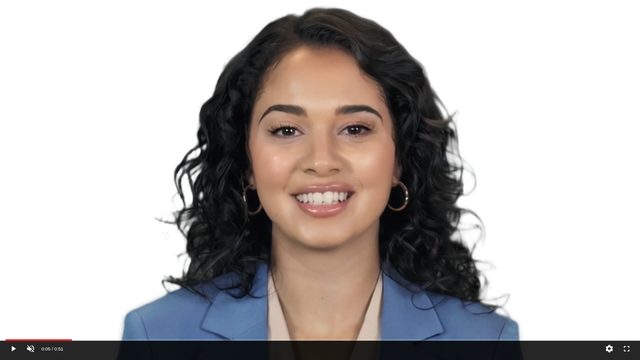 Standard ControlsA familiar control bar with chapter segments, a settings menu and a volume slider that opens on hover.Player controlsBy MP4E
 Voice ControlLets viewers play, pause, skip and change the volume by saying so.Runs in the backgroundBy MP4E
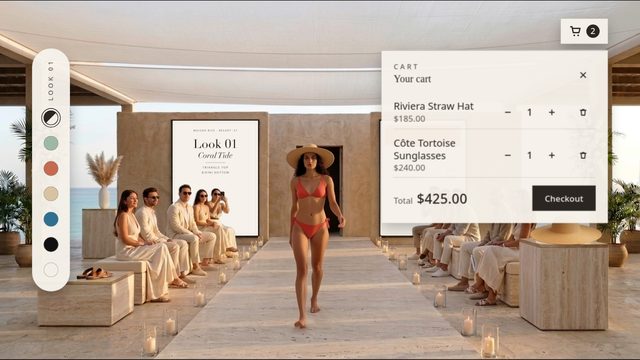 CartAn in-video cart: viewers add products while the video plays, review them and check out on your site.On the videoBy MP4E
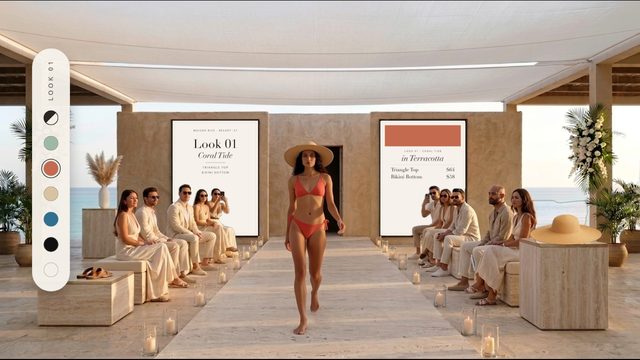 ColourwaysViewers pick a colourway for the look on screen and the garment changes colour in the video.On the videoBy MP4E
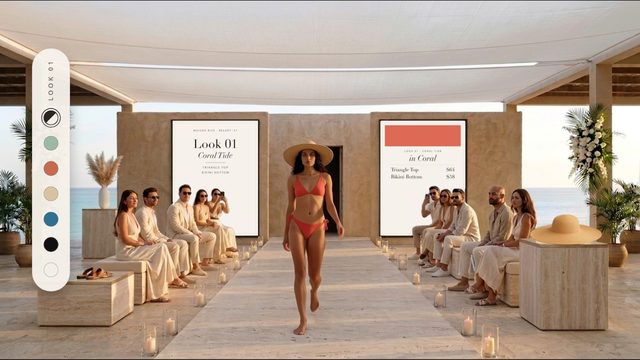 Atelier cardA luxury card for a tapped garment: swatches that recolour it in the video, sizes and Add to bag.On the videoBy MP4E
 Call to actionA timed button or banner that asks viewers to act, such as visiting the shop, at the right moment.On the videoBy MP4E
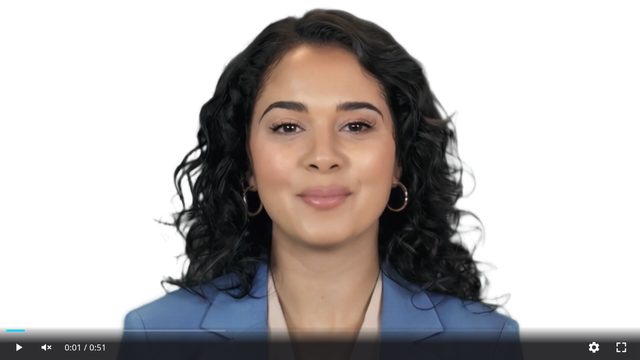 ControlsThe player's own controls: a bar for a mouse, phone-style controls on touch, almost no chrome for tall video.Player controlsBy MP4E
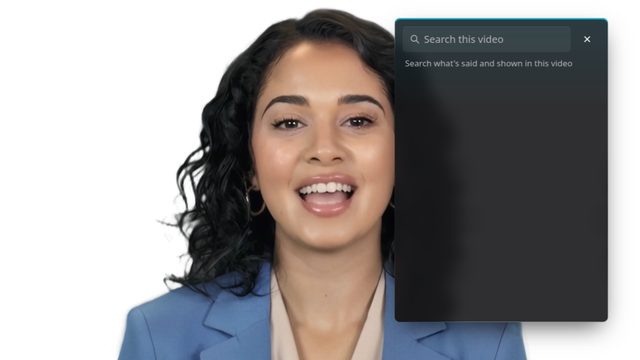 SearchViewers search inside the video for what is said and shown, and jump straight to the moment.On the videoBy MP4E
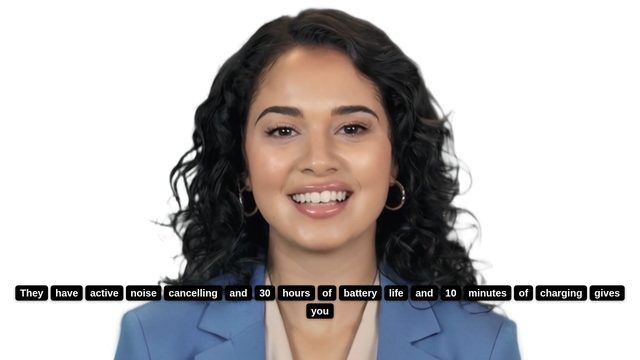 Boxed WordsEvery word of the subtitle in its own box, as in short-form social video.SubtitlesBy MP4E
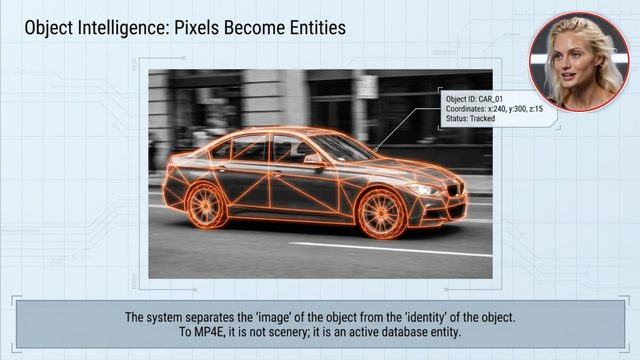 Video LensShows a cropped, shaped piece of the playing video anywhere on screen, such as a round picture of the speaker over a slide.On the videoBy MP4E
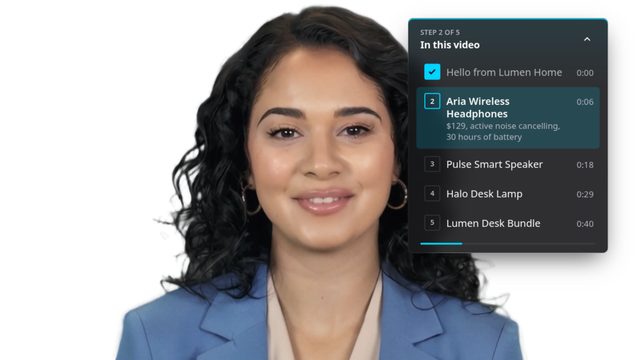 StepsA checklist beside the video that lights up each step as it plays and jumps to any step on a tap.On the videoBy MP4E
 Ad slotsBillboards, posters and screens inside the picture, filled per viewer by your own ad server.Runs in the backgroundBy MP4E
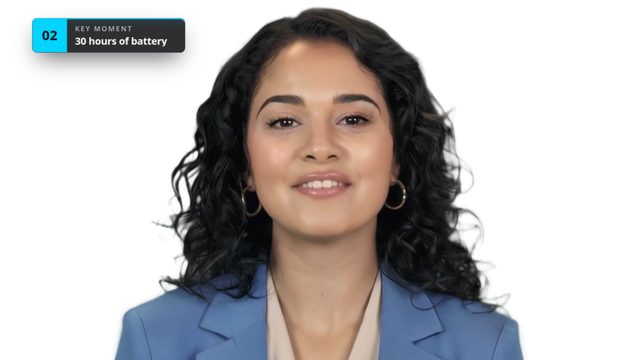 MomentsKey moments pop up as the video reaches them, and a list in the player menu jumps to any of them.On the videoBy MP4E
 PDF SlideshowShows a PDF page by page over the video, for slides, catalogues and manuals.On the videoBy MP4E
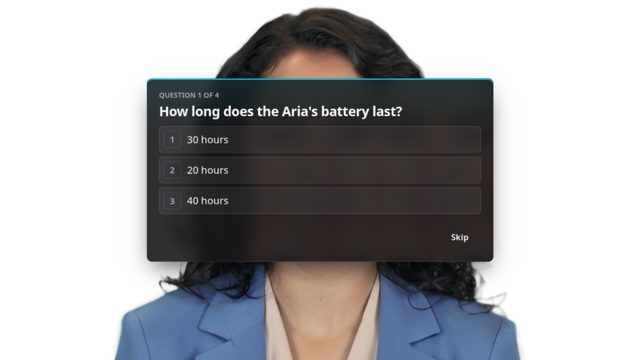 QuizQuestions that pause the video right after the answer is given, check the reply and end with a score.On the videoBy MP4E
 Replay ButtonA button on the video that replays a chosen stretch in slow motion, then goes back to where the viewer was.On the videoBy MP4E
 Replay ControllerReplays a stretch of the video in slow motion when a button or rule asks, then takes viewers back to where they were.Runs in the backgroundBy MP4E
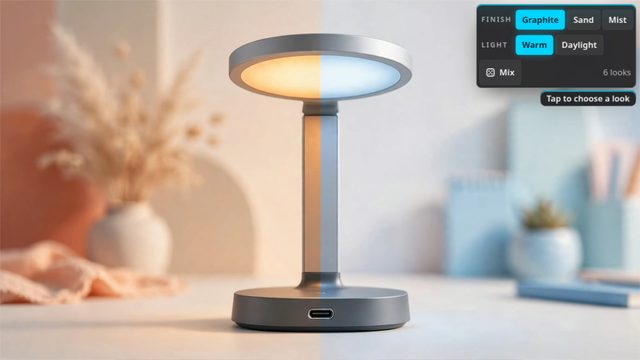 Style pickerViewers choose a look from rows of named options, and each pick sets a variable your video follows.On the videoBy MP4E
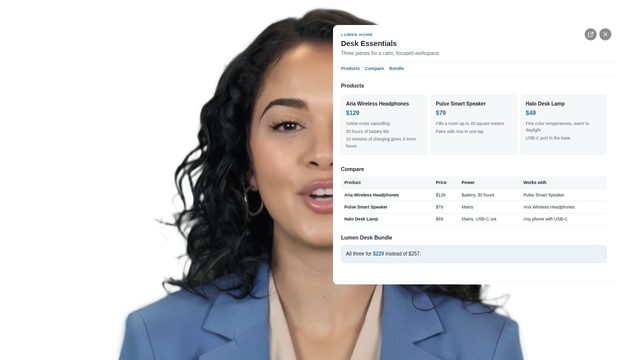 WebviewOpens a web page in a panel on the video, so viewers can look at it without leaving.On the videoBy MP4E
 Ad controlsThe controls of a video ad break: time remaining, play and mute, a skip countdown and Learn more.On the videoBy MP4E
 Linear adsPlays your ad server's pre-, mid- and post-roll video ads, then returns viewers to where they were.Runs in the backgroundBy MP4E
 ButtonA tappable button on the video, for a call to action like shopping or learning more.On the videoBy MP4E
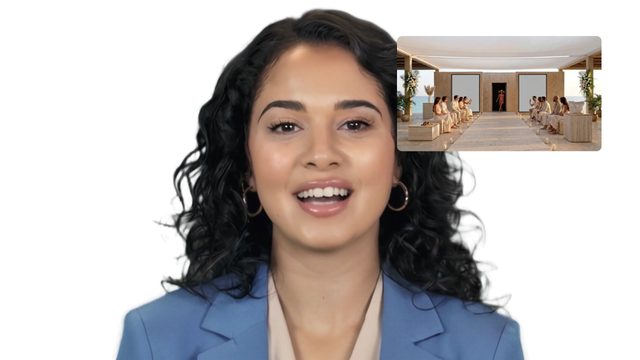 Media DisplayPlaces a picture, a looping clip, an audio player or a document link on the video.On the videoBy MP4E
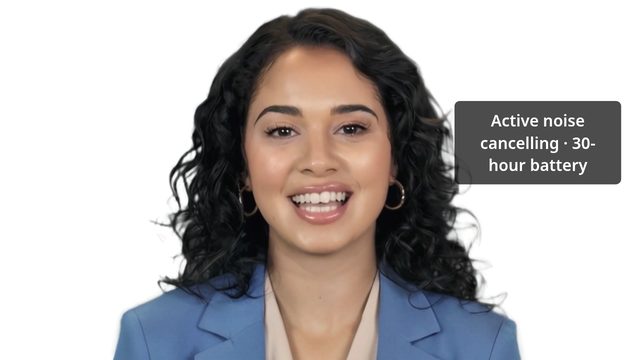 TextA line of text on the video, styled and animated the way you set it.On the videoBy MP4E
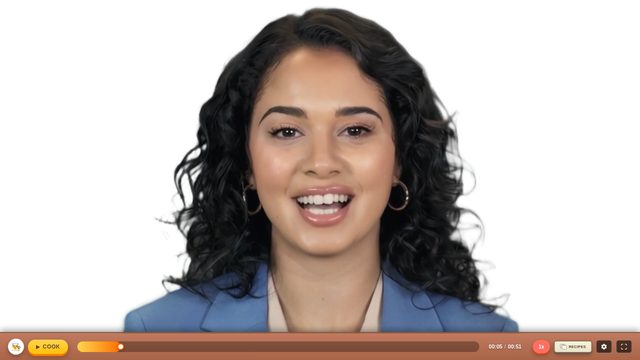 Kawaii Cooking ControlsWarm, kitchen-styled controls with a speed button and a settings menu for subtitles and audio.Player controlsBy MP4E
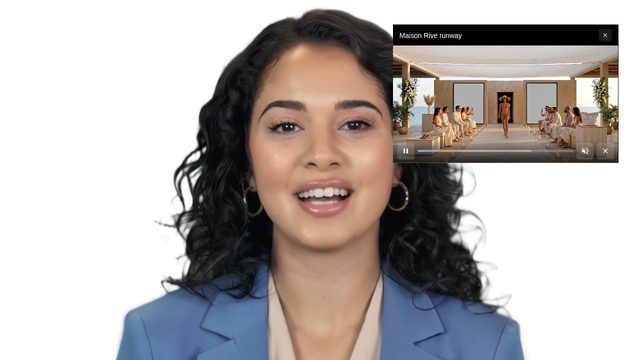 Picture in Picture VideoPlays a second video in a small window over the main one, with its own controls.On the videoBy MP4E
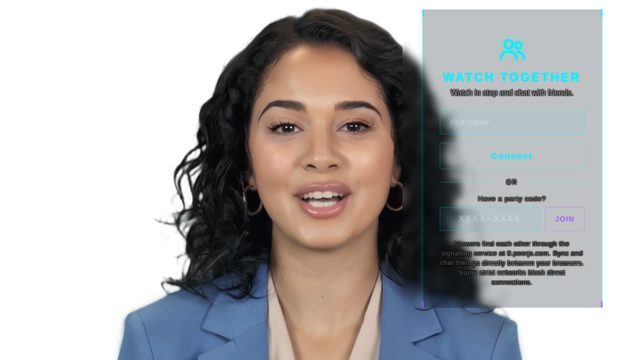 Watch Party (P2P)Lets viewers in different places watch the same video in step, with a chat and reactions beside it.On the videoBy MP4E
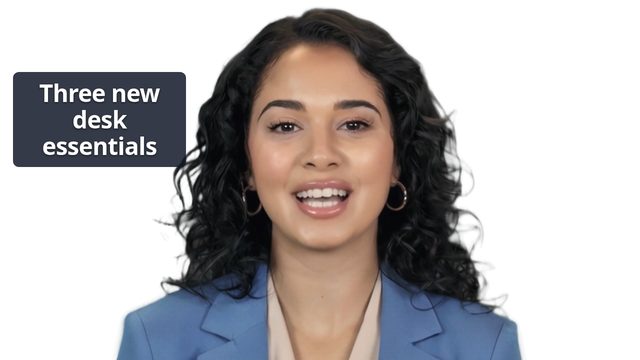 HeadingA big headline with an optional subtitle, for titles and key moments in a video.On the videoBy MP4E
 ImageA round picture with a glowing ring and a label, for a product or a face on the video.On the videoBy MP4E
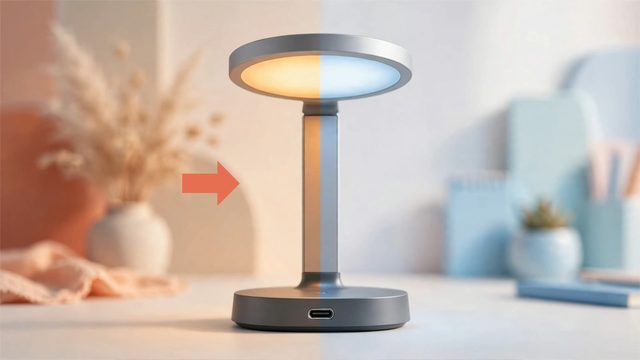 ShapeA plain shape on the video: rectangle, circle, triangle, arrow or star, in your colours.On the videoBy MP4E
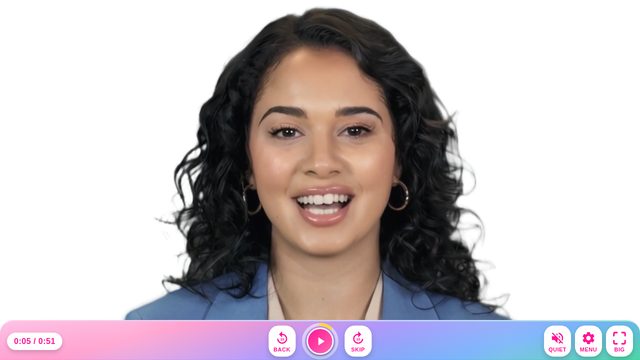 Kids Controls (Rainbow Fun)Big, rounded controls on a rainbow bar, made for children.Player controlsBy MP4E
 Ad offerMakes a video ad answerable: viewers order, take an email offer or ask to be reminded, inside the ad.On the videoBy MP4E
 Email FormA dialog that pauses the video and asks the viewer for an email address.DialogBy MP4E
 StickerAn emoji or picture sticker on the video that grows to fill its box.On the videoBy MP4E